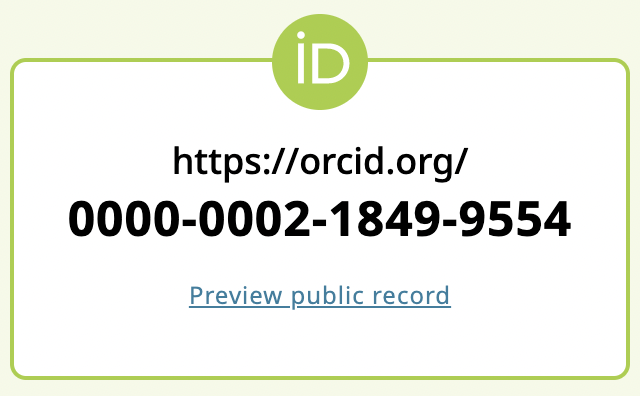
Your ORCID iD is always publicly visible, and you control the visibility settings for all other content in your ORCID record.
There are three visibility settings: everyone, trusted parties, or only me.


Everyone: Information marked as everyone can be viewed by anyone who comes to the orcid.org website or consumed by anyone using the ORCID public API.
Trusted parties: Limited-access information that can be seen by any trusted parties whom you have granted access to your ORCID record. These connections require explicit action on your part.
Only me: Private information can only be seen by you and trusted individuals you have granted access to help administer your ORCID record on your behalf. This information is not shared with others.
Default visibility settings
The default visibility setting of your name when you register is everyone.
The default visibility setting of your email address(es) is only me.
You set the default visibility setting for any new data added to your ORCID record after you register.
Update your default visibility settings for any new information added to your ORCID record in the visibility preferences tab of your ORCID account settings.
Update your visibility settings
You can also update your default visibility setting at any time in the Visibility tab of your ORCID Account Settings. Choose Everyone to get the maximum benefit of ORCID:
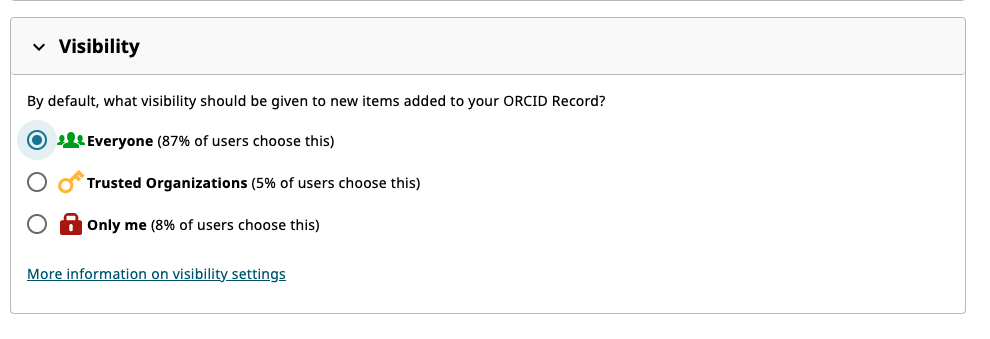
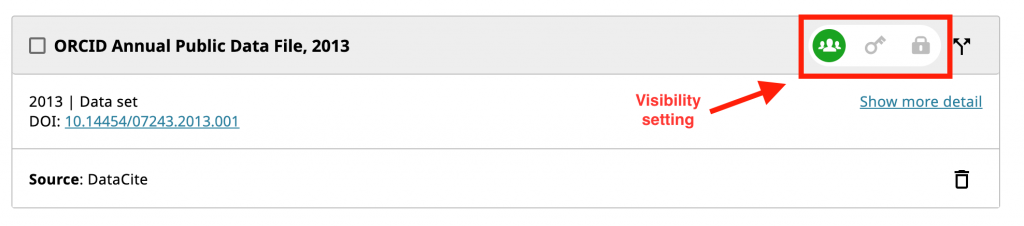
IMPORTANT: Changing the default visibility preferences in your account settings will not overwrite the visibility level of any existing items on your record. To change the visibility of individual items in your record, use the visibility selector next to each item.
You can view what your public record looks like by clicking the Preview public version link beneath your ORCID iD at the top right of your record.